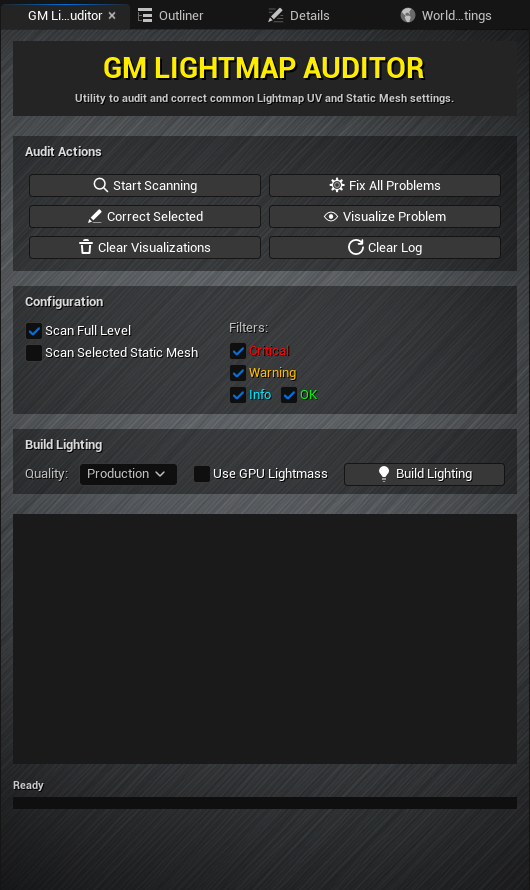
Tired of unexplained lighting build failures? Wasting hours hunting down actors with incorrect UVs or inadequate lightmap resolutions? Reclaim control of your static lighting with GM Lightmap Auditor!
Define texel density per square meter and let the plugin calculate the optimal resolution for each actor based on its real-world scale.
Switch between preset profiles like ArchViz Offline, Mobile, or PC/Console to instantly adjust quality standards.
Ignore specific assets, folder paths, or non-opaque materials to avoid false positives and unnecessary noise in the audit.
"Configure your own debug materials and log colors for a user experience that adapts to your workflow style."
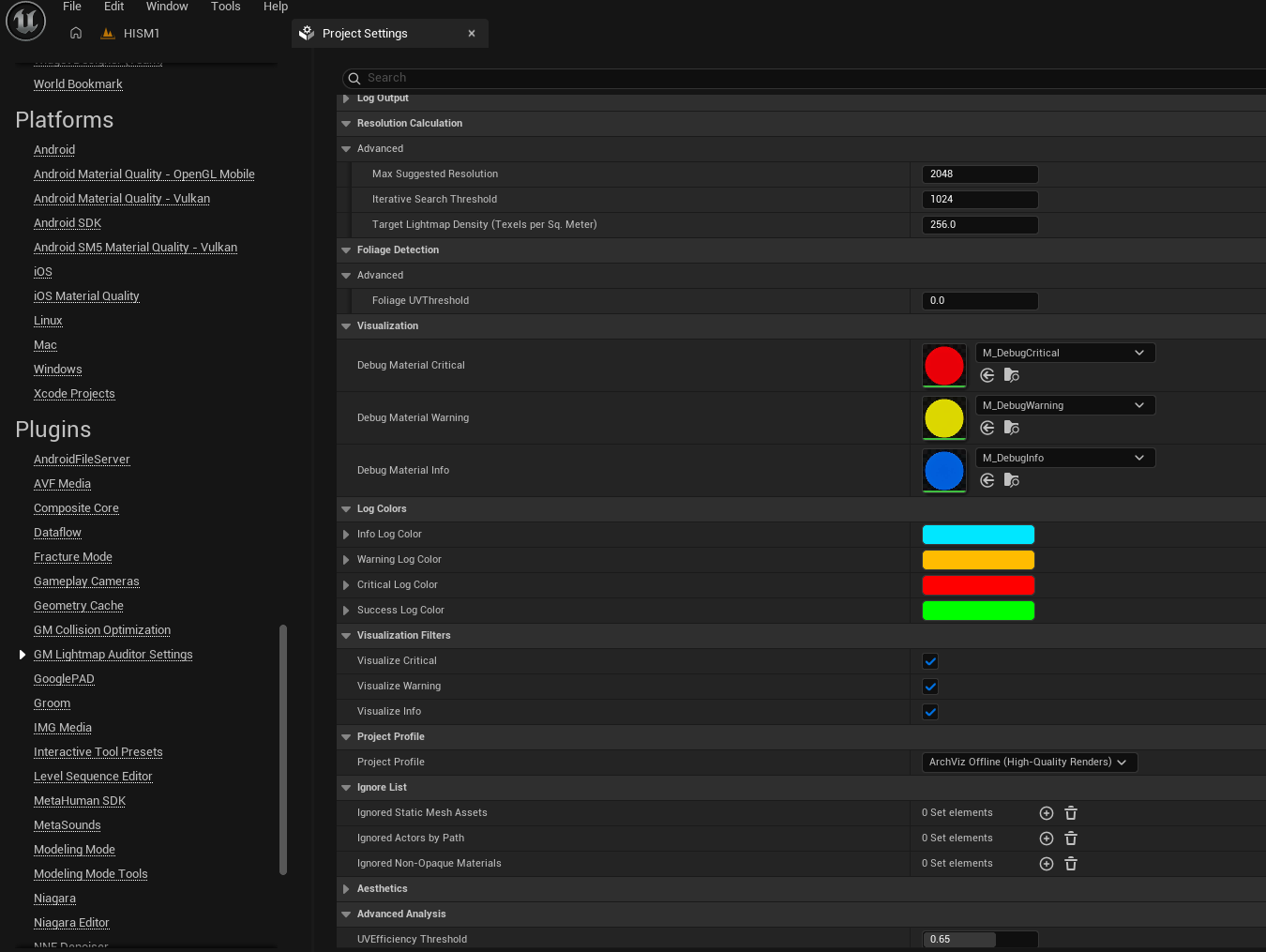
Set up texel density, profiles, and exclusion rules
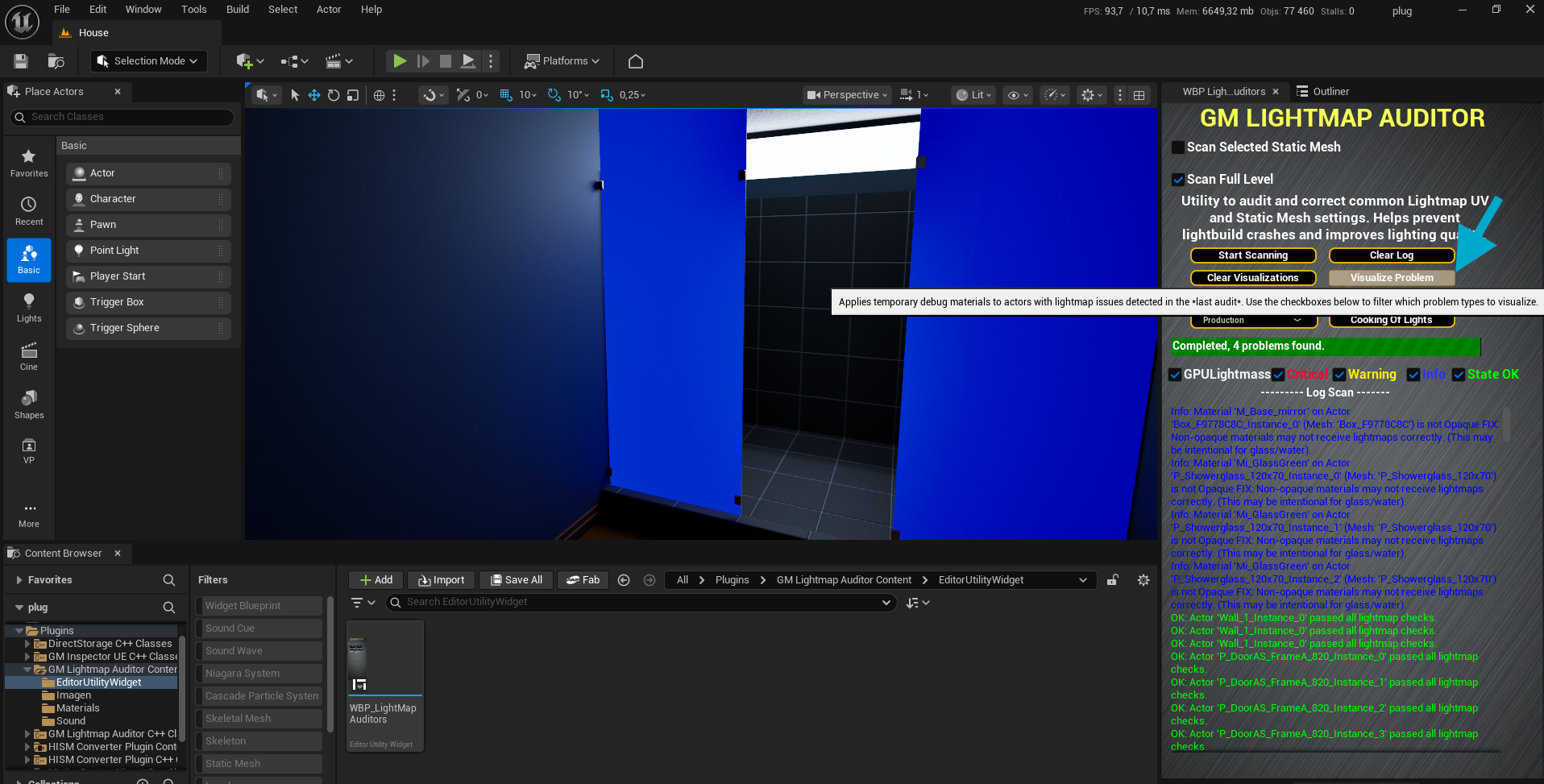
Color-coded debug materials highlight issues
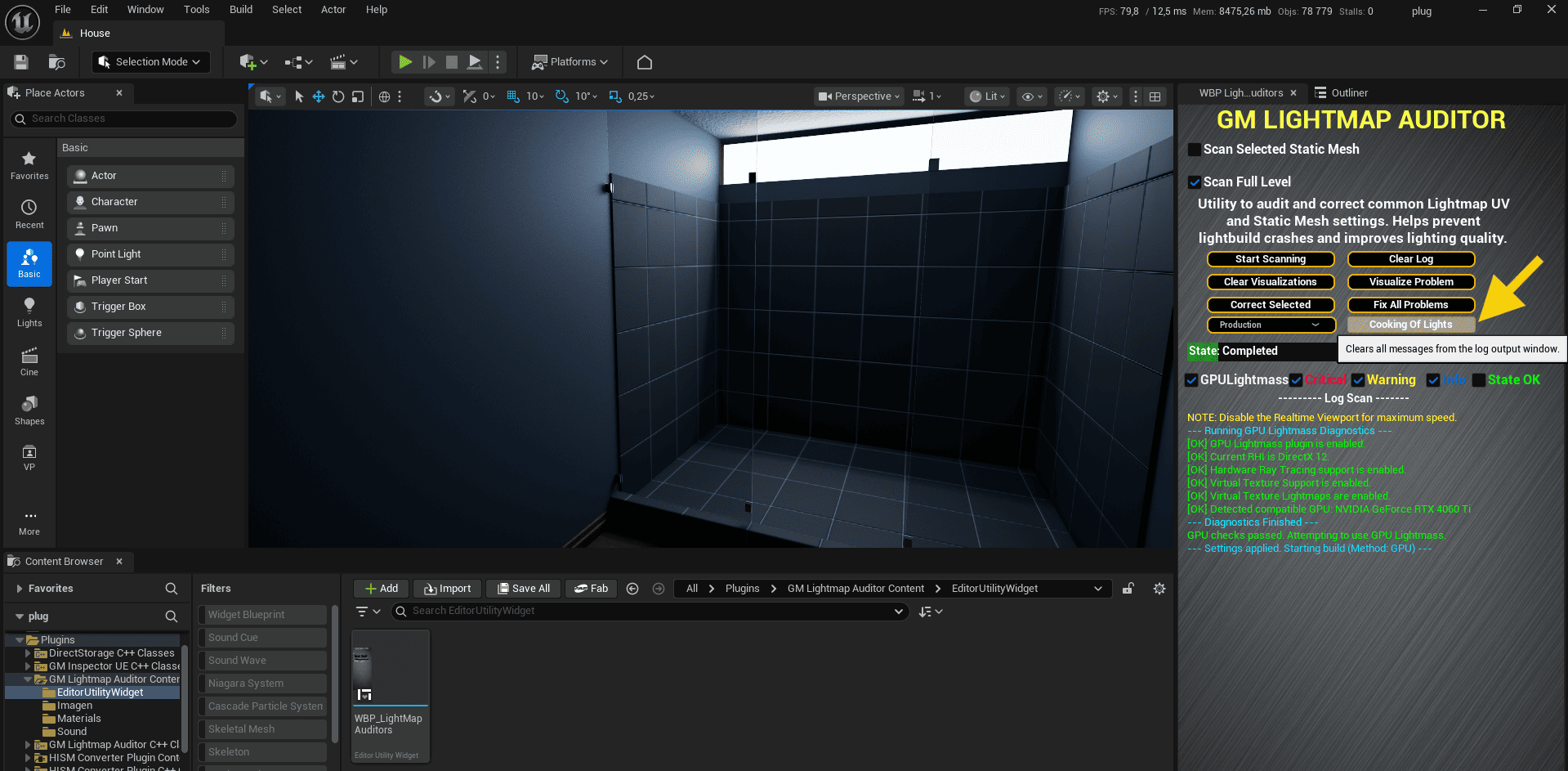
One-click lighting build with quality presets
Scope: Analyzes any Static Mesh Actor in the level or in a selection. Detects critical problems (that break the build), warnings (that affect quality/performance), and useful information. Automatically ignores non-static components (Movable, Stationary), focusing only on what is relevant for light baking.
Benefit: Saves hours of manual inspection. Provides a complete and centralized report of all possible lighting problems before starting a light bake. The focus on static components eliminates false positives and unnecessary noise in the log.
Scope: Implements a robust procedure:
Benefit:
Scope: The LOD diagnosis is now more intelligent:
- Critical Error: If Generate
Lightmap UVs is disabled on LOD0 but enabled on a secondary LOD.
- Warning: If Generate
Lightmap UVs is enabled on both LOD0 and a secondary LOD.
This reflects the engine's actual behavior.
Benefit:
Scope: Calculates the optimal lightmap resolution for each mesh based on its surface area in the world (considering the actor's scale in the level) and the target texel density (configurable through Project Profiles). Applies this resolution with the "Fix" button.
Benefit:
Scope: Allows starting the light bake process (CPU Lightmass and GPU Lightmass) directly from the interface. Includes a quality selector (Preview, Medium, High, Production) and a pre-diagnosis for GPU Lightmass that verifies if the project is configured correctly.
Benefit:
Scope: Colors problematic actors directly in the editor viewport. Visualization is manually activated with the "Visualize Problems" button after scanning, and can be filtered by severity (Critical, Warning, Info).
Benefit:
Scope: Through Project Settings, the user can define project profiles (Mobile, PC/Console, ArchViz), adjust texel density, and create exclusion lists to ignore specific meshes, actors, or materials that should not be audited.
Benefit:
Scope: The plugin now respects the mobility setting of components. Components marked as Movable or Stationary are ignored during the audit and correction of static lightmaps, as they are not relevant to this process.
Benefit:
Version 1.2 of GM Lightmap Auditor represents significant maturity. Not only has its scope expanded to be compatible with a much wider range of components in Unreal Engine, but its internal logic for handling LODs has been completely re-architected to be non-destructive, precise, and safe. With the addition of more intelligent LOD auditing and respect for component mobility, the plugin is consolidated as an essential and reliable workflow tool for any team working with static lighting.